The Problem: Usage Burns Too Fast for Technical Work
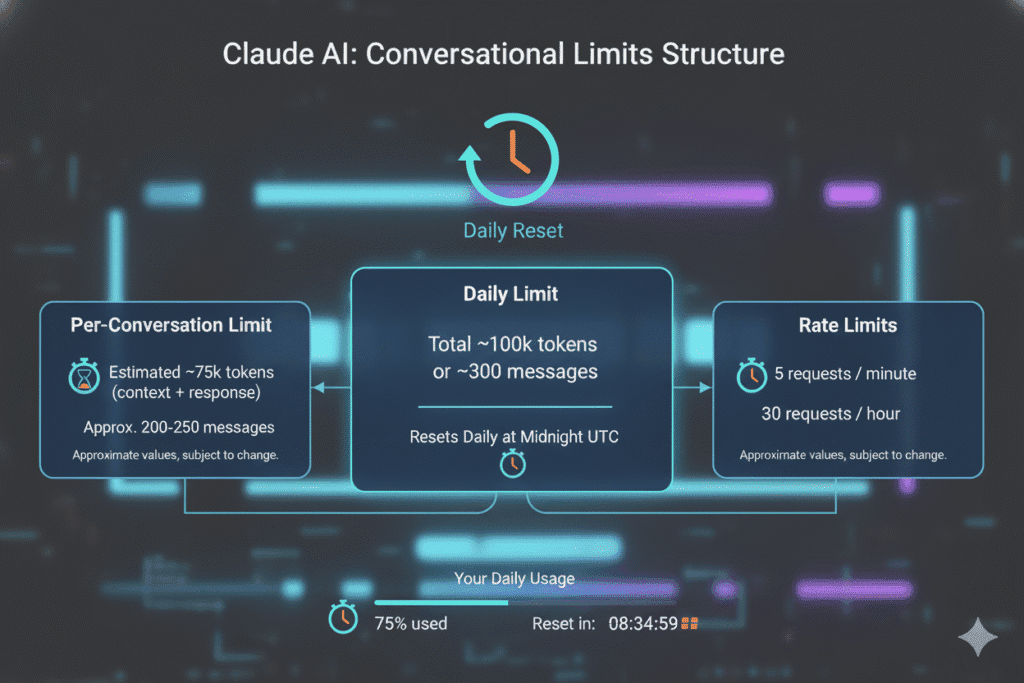
If you're using Claude Code for serious technical work—repo cleanup, long document rewrites, or multi-step code refactors—you've likely hit the usage limit wall. As discussed in a recent Reddit thread, developers report burning through their allocated usage "absurdly fast" even with disciplined, minimal setups. The core issue isn't casual chat; it's the need for continuity in complex tasks where resetting a session breaks the workflow.
The Solution: Model Version + Context Compression
The specific advice circulating among power users is a two-part configuration change:
- Switch to the previous Claude model. Don't use the latest Opus 4.6 for extended, iterative sessions if you're hitting limits.
- Use the
/compactflag with a 200k token target. This tells Claude Code to aggressively compress the conversation history, prioritizing recent context.
You can apply this when starting a Claude Code session from your terminal:
claude code --model claude-3-5-sonnet-20241022 --compact 200000
Or, set it in your CLAUDE.md configuration for persistence:
<!-- CLAUDE.md -->
Model: claude-3-5-sonnet-20241022
Compact: 200000
Why This Works: Token Economics
The latest models, like Claude Opus 4.6, are incredibly capable but also more computationally expensive per token. For long sessions where the model re-processes the entire conversation history on each turn, this cost compounds rapidly. The previous generation models (like claude-3-5-sonnet) offer a vastly better performance-to-cost ratio for extended coding and analysis tasks.
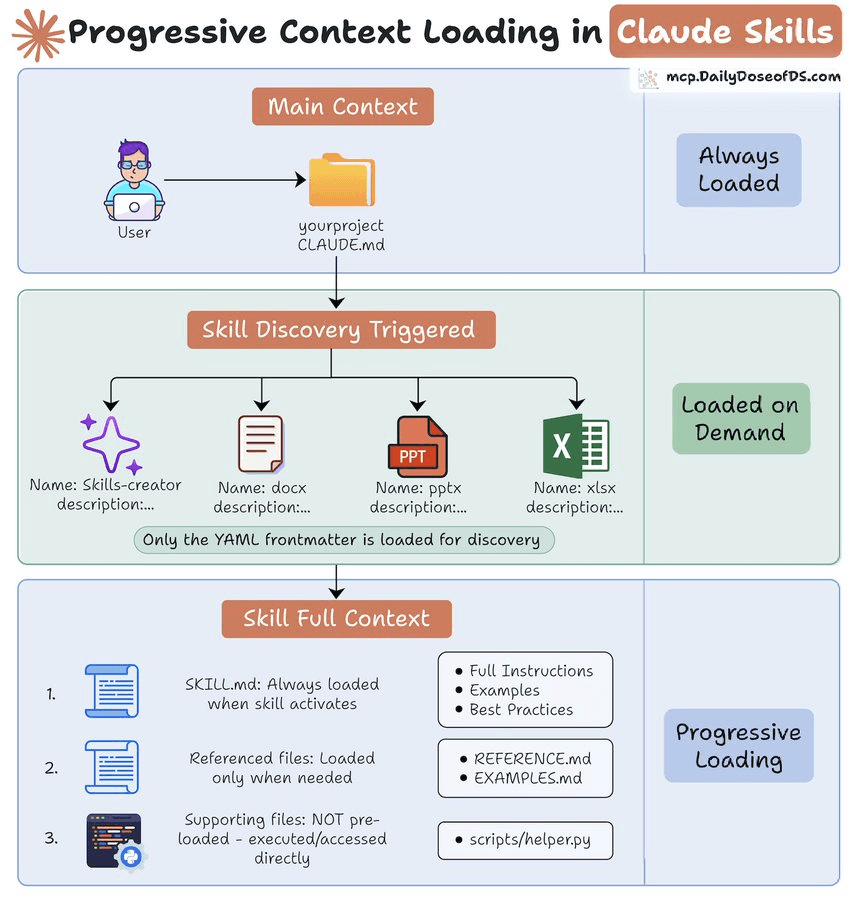
The /compact flag is the other critical lever. By default, Claude Code may retain a vast amount of context. Setting --compact 200000 instructs the system to aim for a 200k token context window, actively summarizing or dropping older parts of the conversation to stay near that target. This prevents the silent usage drain from endlessly growing context.
Implementing the Workflow
Don't just change the model—adapt your prompting style to work with compression.
- Segment Large Tasks: Break a massive repo refactor into logical, folder-by-folder sessions. Use a final summary prompt at the end of each segment to hand off context.
- Be Explicit About Files: When context is compressed, file contents can be dropped. Use commands like
/readexplicitly when you need to revisit a file, rather than assuming it's in memory. - Guide the Compression: After a significant milestone, you can prompt: "Please summarize the changes we've made to
utils/so far for context compression." This gives the model a high-quality summary to retain.
This approach isn't about using shorter prompts; it's about smarter session management that aligns with how Claude Code's usage is calculated. For many developers, this single configuration shift has turned daily limit hits into a weekly occurrence.