What It Does
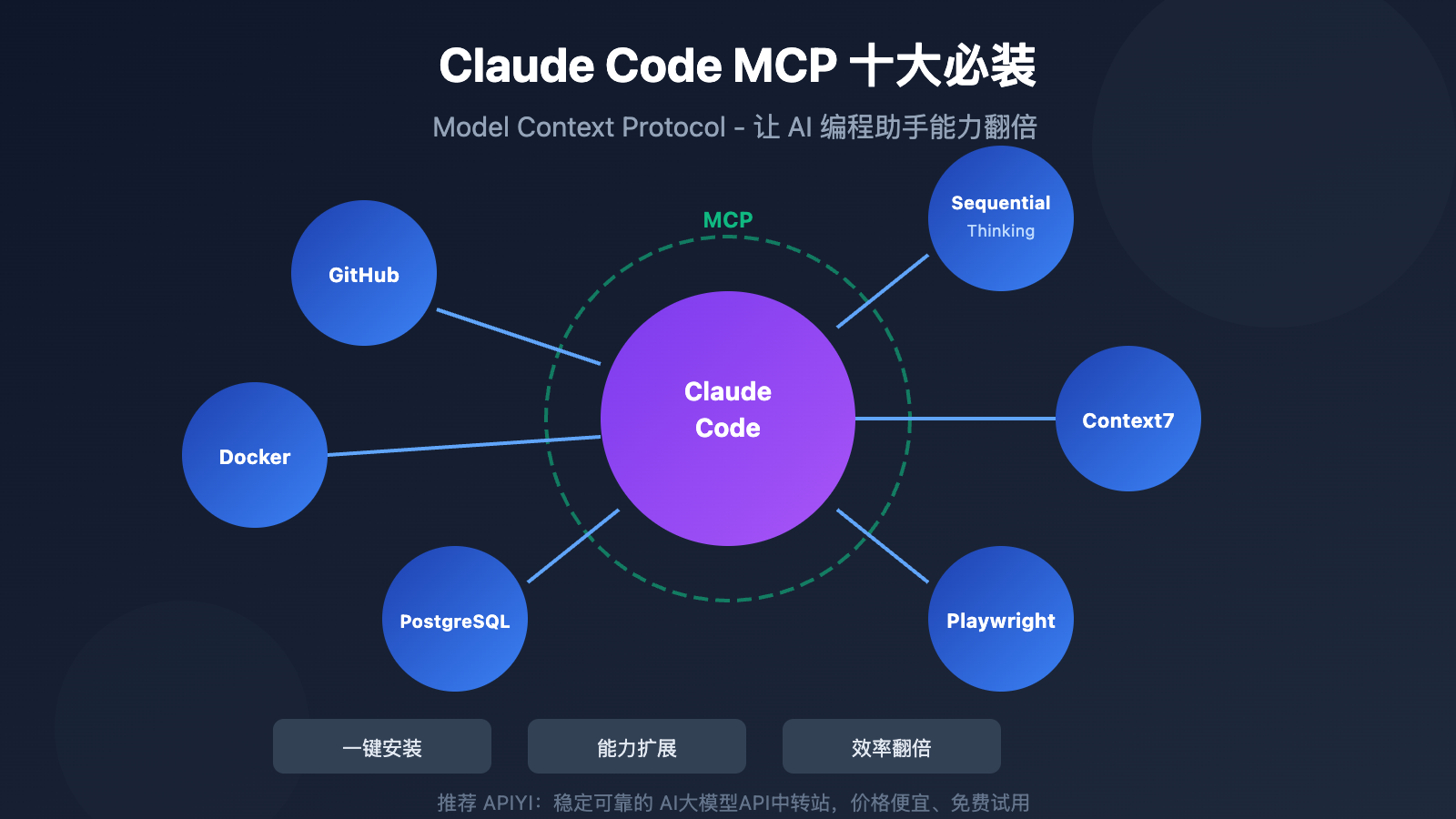
Blitz is a native macOS app that provides MCP (Model Context Protocol) servers giving Claude Code direct access to App Store Connect APIs. Instead of manually navigating Apple's web interface for app submissions, you can now manage the entire process through Claude Code commands.
The open-source MCP servers handle:
- App metadata management across all locales
- Build selection and submission for App Store review
- TestFlight build management, groups, and testers
- Screenshot upload and organization
- Review note writing and refinement to increase approval chances
- Simulator and device management for testing
Everything runs locally with localhost-only MCP servers, keeping your Apple credentials secure (BYOK - Bring Your Own Keys).
Setup
- Install Blitz: Clone the repository from
https://github.com/blitzdotdev/blitz-mac - Configure MCP: Add the Blitz MCP servers to your Claude Code configuration:
{
  "mcpServers": {
    "blitz-appstore": {
      "command": "node",
      "args": ["/path/to/blitz-mcp/appstore-server.js"],
      "env": {
        "APPLE_KEY_ID": "your-key-id",
        "APPLE_ISSUER_ID": "your-issuer-id",
        "APPLE_PRIVATE_KEY": "path/to/private-key.p8"
      }
    },
    "blitz-testflight": {
      "command": "node",
      "args": ["/path/to/blitz-mcp/testflight-server.js"]
    }
  }
}
- Get Apple credentials: You'll need an App Store Connect API key with appropriate permissions
- Launch Claude Code: The MCP servers will automatically connect, exposing App Store Connect tools
When To Use It
Ideal for these specific workflows:
Automated submission pipelines: When you want to integrate App Store submissions into your CI/CD workflow without manual intervention
Multi-locale management: When managing app metadata across dozens of languages becomes tedious through Apple's web UI
Review optimization: When you need to systematically test different review note approaches to increase approval rates
TestFlight management: When regularly adding/removing testers or managing multiple testing groups
Example Claude Code prompt:
Submit the latest build (v1.2.3) from TestFlight to App Store Connect for review.
Use the optimized review notes from our CLAUDE.md file, and make sure all
English metadata is updated with the changelog. Upload the screenshots from
the screenshots/ folder matching each device size.
The Built-In Terminal Advantage
Blitz includes a terminal with Claude Code support, creating a complete environment where agents can:
- Build your app
- Run tests on simulators or connected devices
- Submit to TestFlight
- Push to App Store Connect
All from one interface without context switching between terminal, Xcode, and Apple's web portals.
Security Considerations
Since everything runs locally:
- Your Apple API keys never leave your machine
- MCP servers only accept connections from localhost
- You maintain full control over authentication and permissions
- Open source Apache 2.0 license allows security review
Getting Started
Check the repository's demo showing an agent submitting an app end-to-end. The project was largely built with Claude Code itself, demonstrating the tool's capability to create tools that extend its own functionality.
Quick test: After setup, try asking Claude Code: "List my available apps in App Store Connect and show their current status."